How to update the insurance details by staff in HRMS?
Introduction:
HRMS is an indigenous application that helps the Organization to accumulate and maintain Human Resource data. This document describes how staff update the insurance details in HRMS portal.
Getting Started:
Access Human Resource Management System
Open an internet browser (Recommended to use Google Chrome)
Type https://my.amrita.edu/ and click enter
Login with your amrita email id and password.
Click HUMAN RESOURCES.
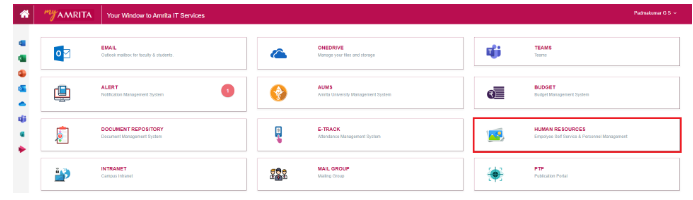
To add Insurance details
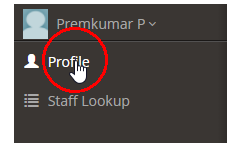
Click Profile on the left side menu
We need to access the Identity & Contact page to update the insurance.
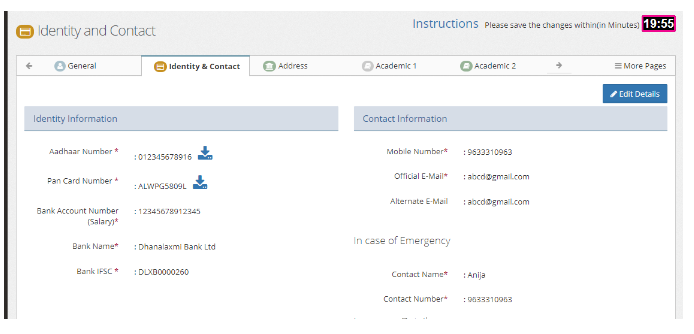
Click Edit Details at the right top of the page.
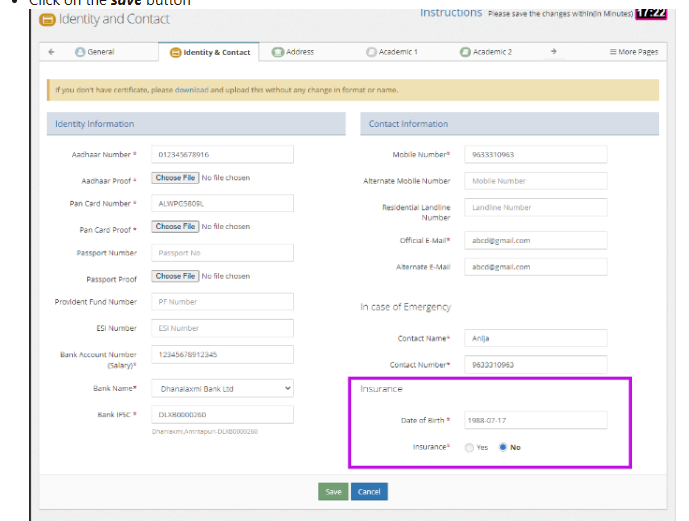
Date of Birth and the Insurance details can be updated at the right bottom of the page.
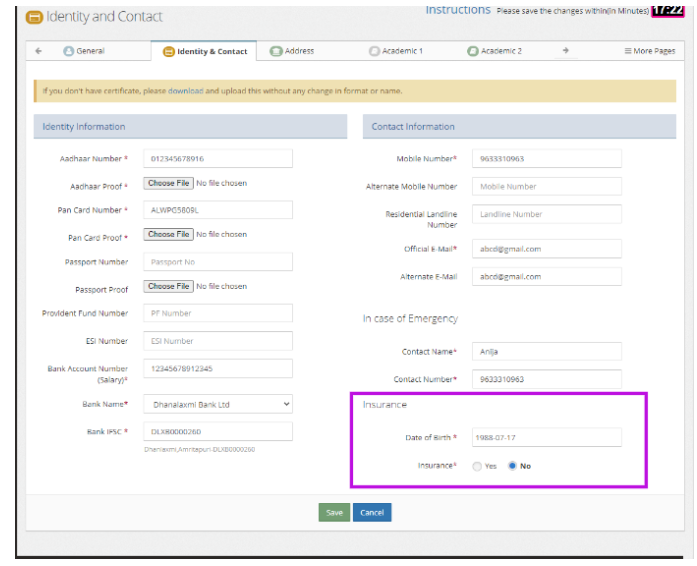
Click on Yes to add the Insurance Dependent members
Give the name, DOB and the relationship with the members
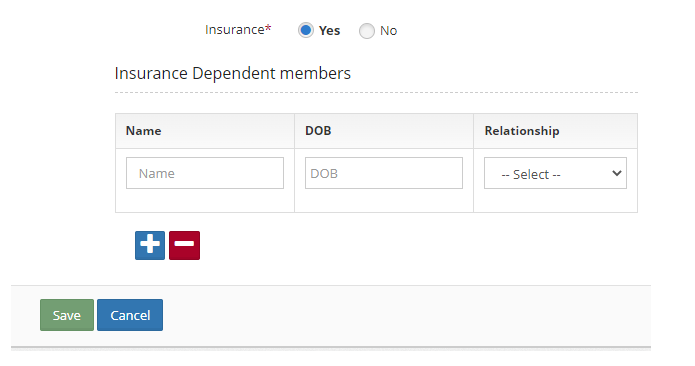
Click on the
 button to add more members.
Click on the
 button to delete any of the entries.
Click on the save button once the Insurance Dependent members are added
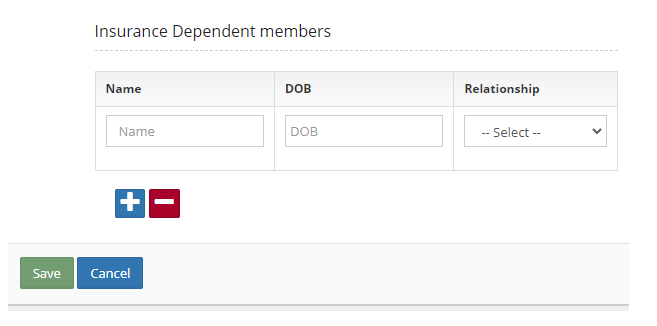
In case there are no insurance details to add
Click on No
Click on the save button